New · 4K & HD streaming
Everything you watch.
One app.
Live TV, movies and series on your TV, Fire Stick, phone and tablet. One payment, no auto-renew, and a free day to see it on your own screen.

- 4K & HD
- Picture quality
- 1 day free
- No card needed
- Every device
- One subscription
- No auto-renew
- Pay once
Pricing
One price. Everything in it.
Every plan unlocks the full library. The longer you go, the less each month costs.
1 Month
one month, one payment
Choose 1 Month- Every channel, movie and show
- 4K & HD on every device
- Instant activation
- No auto-renew
3 Months
$10.00 / month$35.97
- Every channel, movie and show
- 4K & HD on every device
- Instant activation
- No auto-renew
6 Months
$8.33 / month$71.94
- Every channel, movie and show
- 4K & HD on every device
- Instant activation
- No auto-renew
1 Year
$5.83 / month$143.88
- Every channel, movie and show
- 4K & HD on every device
- Instant activation
- No auto-renew
Try it free for 1 day
No card. Full access. See it on your own TV first.
Watching on more than one screen at once? See the multi-screen plans.
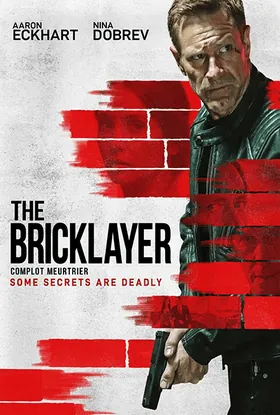
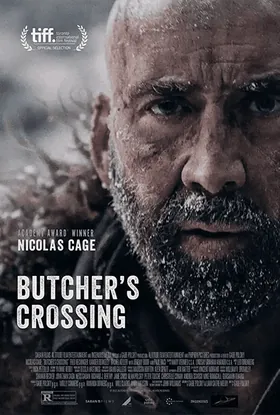
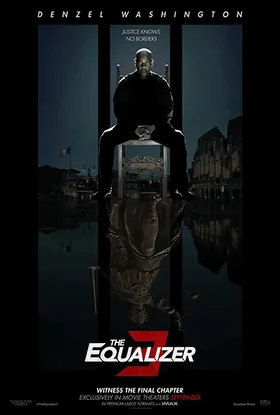
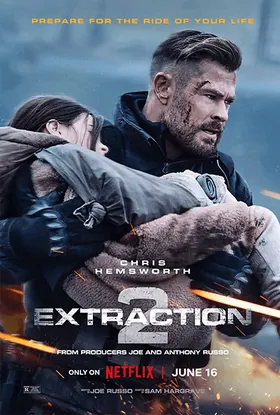
Now showing
Updated daily

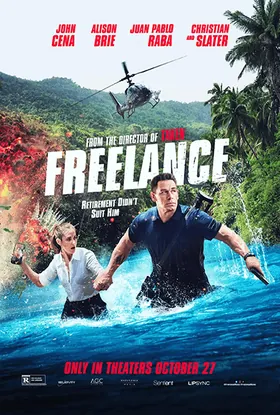
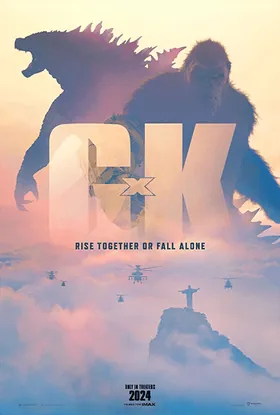


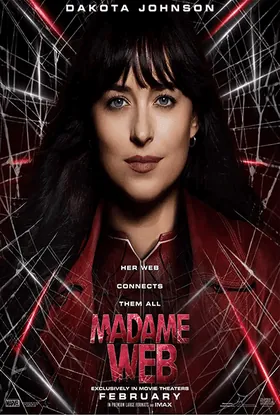
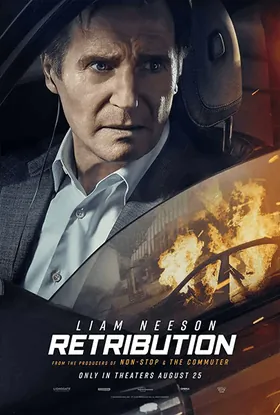
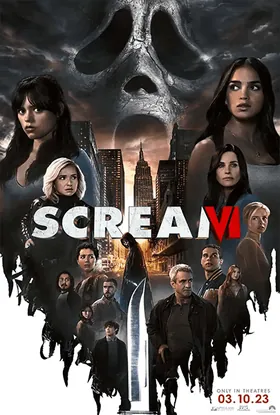



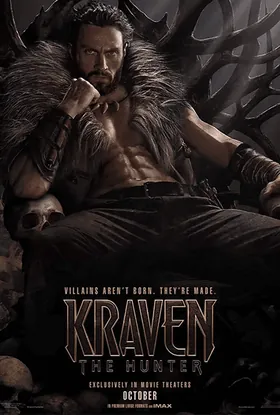
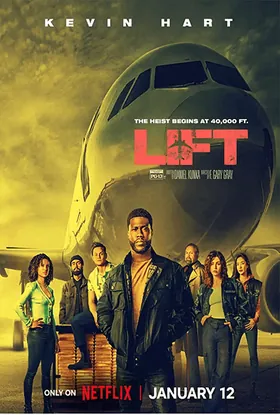
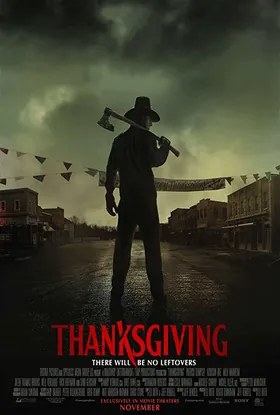
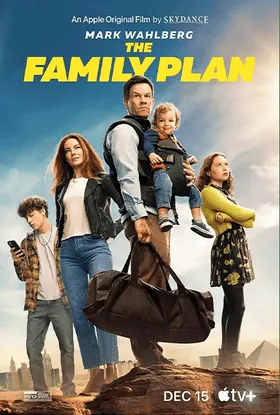
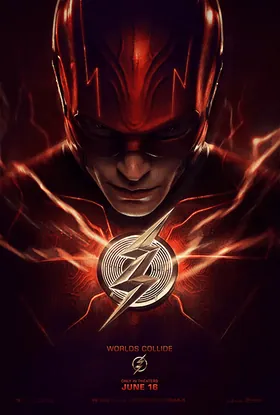


What’s inside
One screen. All of it.
Tonight’s game, this week’s premiere and the news from back home, without jumping between subscriptions to find what is on.


Why 8K VIP
Built to be simple.
No bundles, no contracts, no surprises on the bill.
Everything in one place
Live sport, films, series, kids, news and the classics. One app instead of five subscriptions.
Instant activation
Your plan works the moment the payment clears. No waiting around for a setup email.
Pay once, no auto-renew
You choose the months, you pay for them. Nothing renews behind your back.
Channels from everywhere
Home networks and international channels, in the languages you actually speak.
4K and HD
A sharp picture on every screen, with an EPG so you always know what is on.
Support that answers
Open a ticket and a person replies, every day of the week.
How it works
Watching in about five minutes.
- 1
Pick a plan
Start with a free day, or go straight to 1, 3, 6 or 12 months.
- 2
Install the app
Fire Stick, Android TV, phone, tablet or computer. About two minutes.
- 3
Scan and watch
Point your phone at the QR code on the TV and you are signed in.
Downloader code
Fire TVOpen the free Downloader app on your TV, type the code, press Go, then Install.
Questions
Before you start.
Still not sure? Open a ticket and ask us anything.
Free for 1 day
Start watching tonight.
A free day, no card, and every channel and title in the app. Pick a plan when you are ready.
No auto-renew · no hidden fees · cancel by simply not renewing